
Your Custom Tailoring Journey
Select Fabric
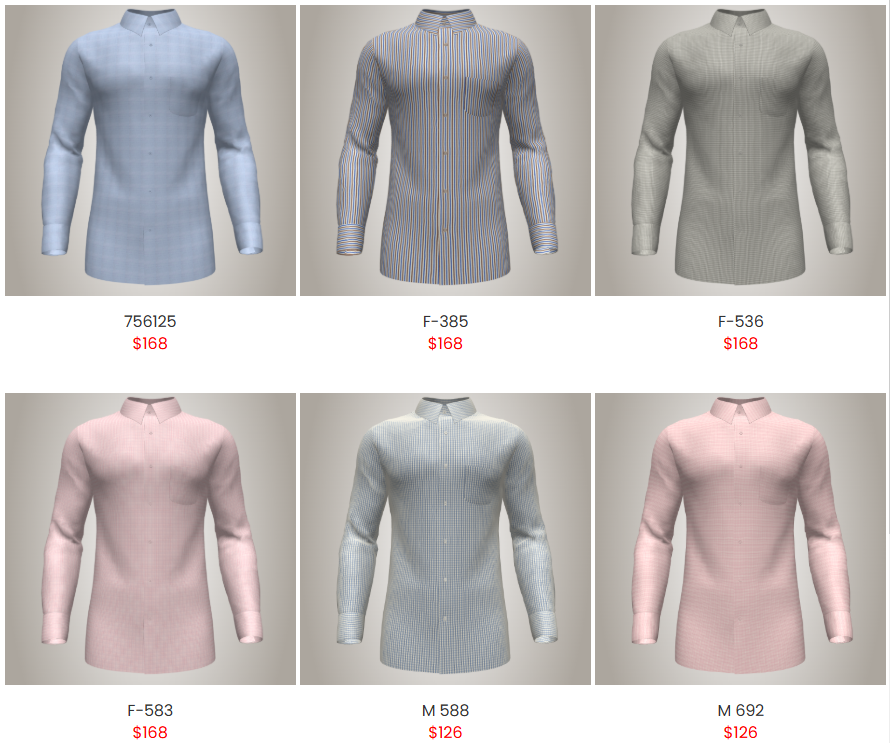
Begin your custom tailoring journey by choosing the right fabric — the foundation of your perfect shirt or trouser. Your fabric choice determines the overall look, comfort, and feel of your garment. You can browse through our curated collection of premium materials categorized by texture, weave, and occasion.
- Material Options: Choose from cotton, linen, silk, or blended fabrics for different comfort levels.
- Weight & Feel: Lighter fabrics like linen and cotton are ideal for warmer climates, while thicker materials offer structure and warmth.
- Patterns & Colors: Explore solids, checks, and stripes in a range of tones to reflect your personal style.
- Fabric Quality: Every fabric is sourced from trusted mills to ensure durability and elegance.
Once you've selected your preferred fabric, you’re ready to move on to customizing the design to make it uniquely yours.
Customize
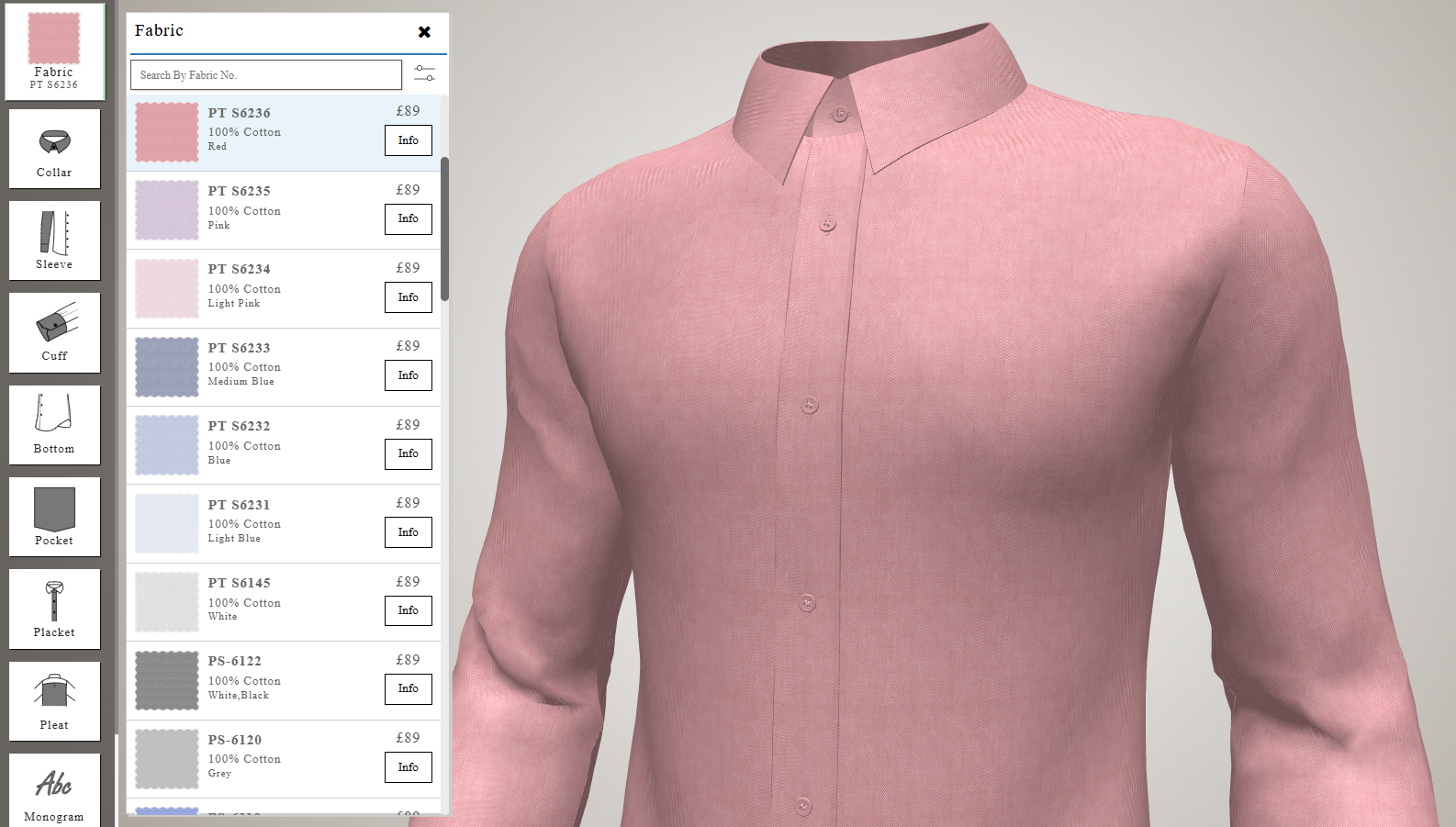
Click on the “Customize” button to enter our interactive 3D designer. Here, you can visualize your garment in real-time and personalize every detail to reflect your style and preferences.
- Collar Styles: Choose from classic, button-down, mandarin, or spread collars.
- Cuff Options: Select from barrel, French, or convertible cuffs.
- Pocket Preferences: Decide whether you want single, double, or no pockets at all.
- Buttons & Stitching: Experiment with different button colors and thread contrasts.
- Monogramming: Add initials or a signature for a personalized touch.
Each change updates the live 3D preview instantly, allowing you to see exactly how your design will look before moving to the next step.
Add Measurements
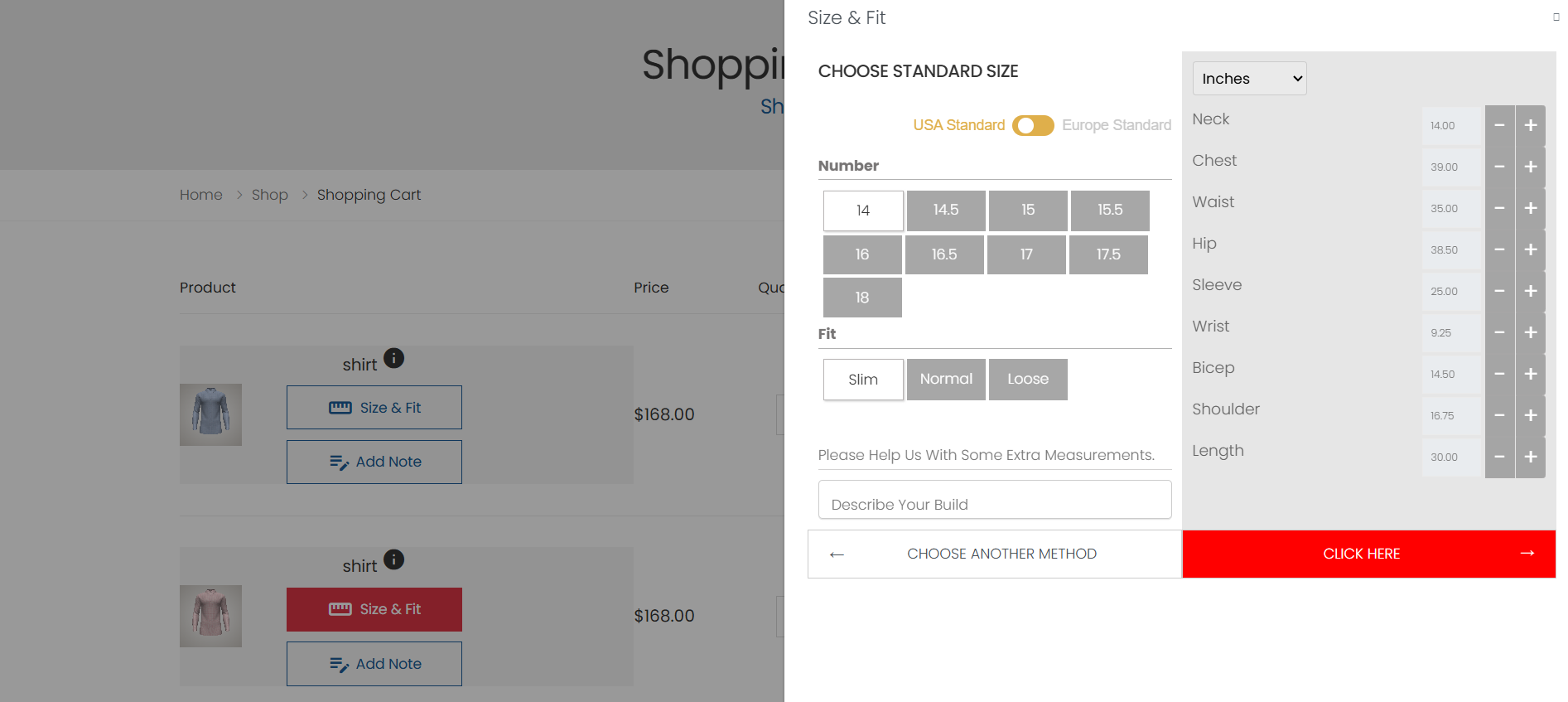
After finalizing your customizations, it’s time to ensure a flawless fit by adding your measurements. You can choose from two easy options depending on your comfort level.
Standard Size
Select from our curated standard size chart ranging from XS to XXL. Each size is optimized based on average proportions for easy and quick ordering.
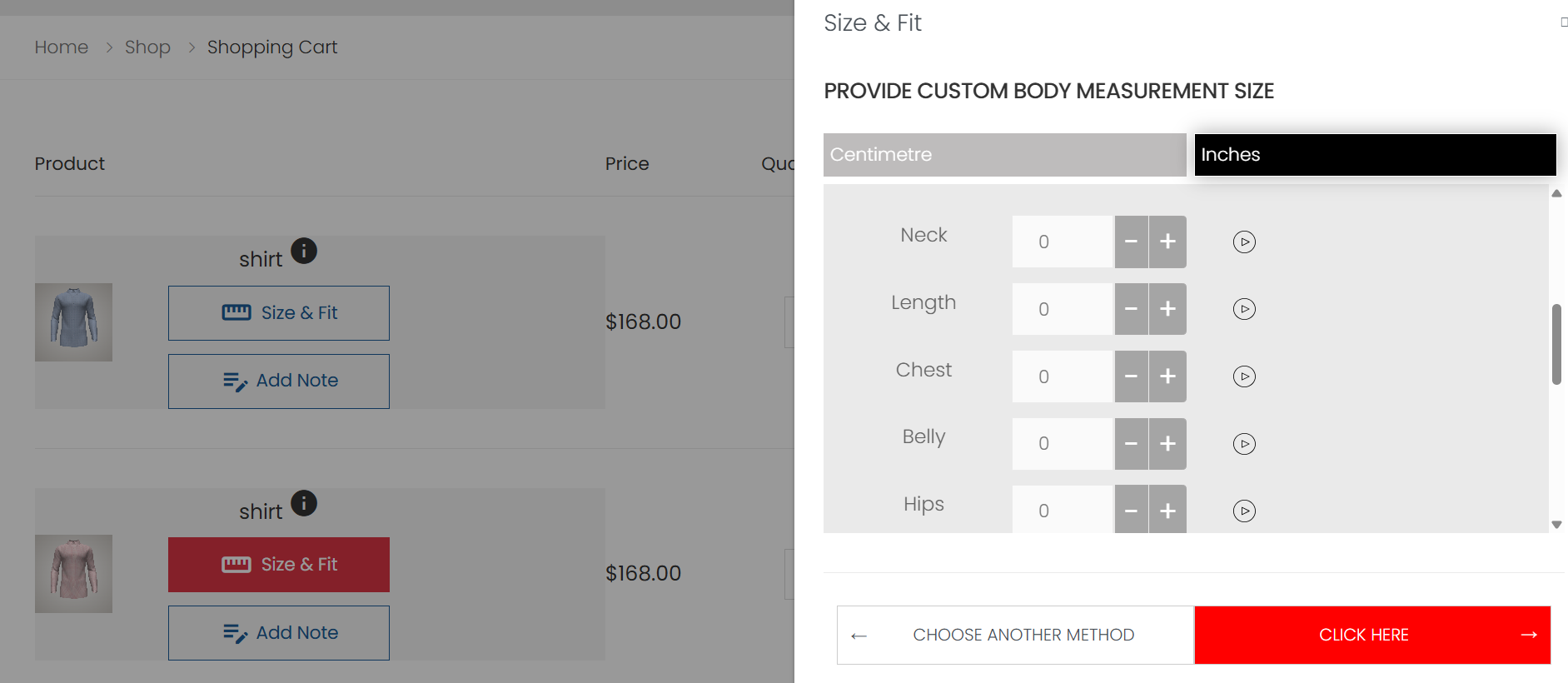
Custom Body Measurements
For a perfect, tailored fit, you can enter your precise measurements. Our guided measurement tool helps you measure yourself accurately using a simple tape at home or with assistance.
- Tip: Keep your posture natural while taking measurements.
- Required Details: Neck, chest, waist, shoulder, sleeve, and shirt length.
Add to Cart
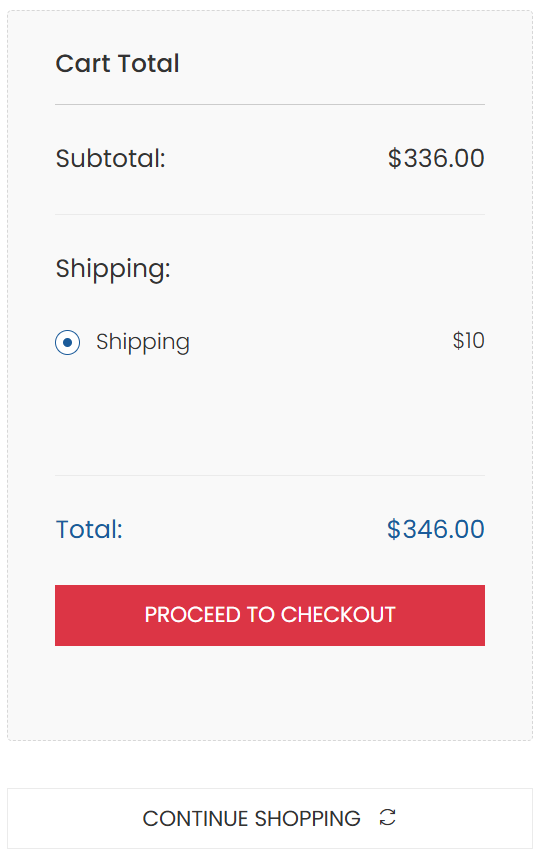
Once you’ve completed the measurements, click on “Complete Order” to add your creation to the cart. From here, you can either proceed directly to checkout or continue shopping.
- Proceed to Checkout: Instantly review your order summary and make a secure payment to finalize your purchase.
- Continue Shopping: Add more shirts, trousers, or accessories to your cart to complete your wardrobe.
Your cart also provides a detailed preview of your selections including fabric, style, and fit, ensuring complete transparency before you buy.
Checkout
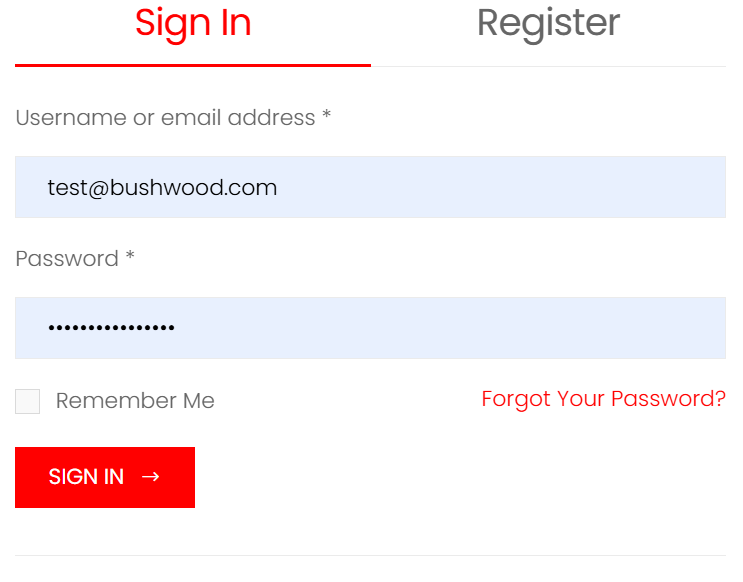
Click on “Proceed to Checkout” to complete your order securely. You’ll be prompted to log in or create an account to continue. Having an account helps you track your order, view past purchases.
- Login: If you’re an existing customer, log in using your registered email and password.
- Register: New users can sign up easily using email to create a secure account.
- Secure Payment: We prioritize your privacy and security.
- Order Confirmation: Once payment is successful, you’ll receive an order confirmation email.
That’s it! You’ve successfully completed your custom tailoring journey. Sit back and relax while we craft your garment to perfection and deliver it to your doorstep.
Customization Options
Shirt Customization Options
Fabric
Start your custom shirt journey by selecting the fabric that determines the material, feel, and color of your garment.
Collar
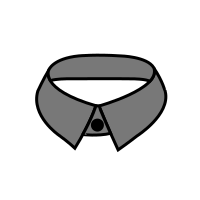
Choose your preferred collar style to match your taste or the occasion.
Sleeve
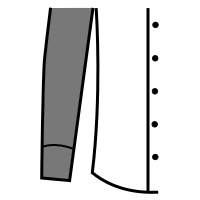
Move on to sleeve preferences, selecting between short, regular, or long sleeves.
Cuff
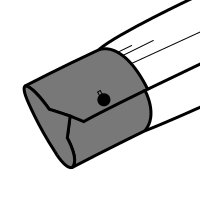
Pick the cuff design that best suits your occasion or accessory preference.
Bottom
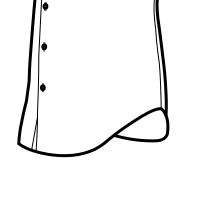
Select the bottom cut of your shirt—curved or straight.
Pockets
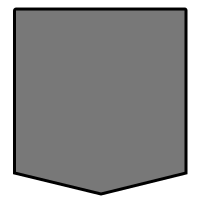
Decide whether to add a pocket, and if so, select its style and placement.
Placket
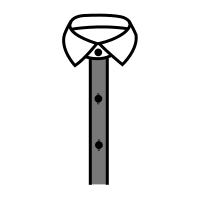
Customize your placket, which is the part covering the buttons. Options like standard, covered, or no placket.
Pleats
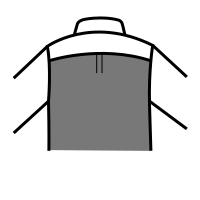
Choose if you want pleats (extra folds of fabric at the back).
Monogram
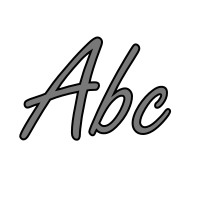
Personalize your shirt further by adding a monogram—your initials or a word.
Contrast
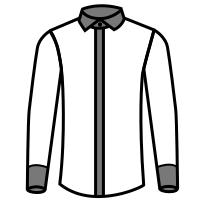
Opt for contrast details such as different fabric for cuffs, collar, or inner placket.
Trouser Customization Options
Fabric
The fabric you choose is the foundation of your custom trousers. The right fabric will ensure your trousers not only look right and feel comfortable all day long.
Fastening
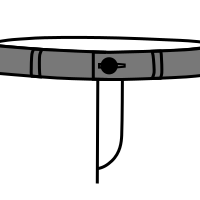
The fastening at the waistband is both a functional and stylistic choice—it securely holds the trousers and defines how the front presents itself.
Loop
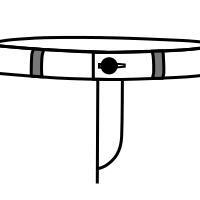
Selecting the loop configuration means we align the trouser with how you like to style and wear your wardrobe every day.
Back Pocket
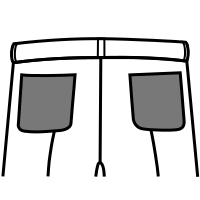
A neatly positioned back pocket keeps the trousers looking crisp and helps avoid bulges or sagging.
Cuff
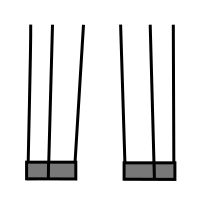
The cuff adds weight to the hem, influences the drape, and provides a finishing touch to your overall look.
Pleat and Pocket
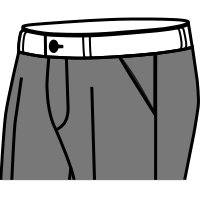
The pleats and pockets determine both the silhouette and functionality of your trousers. Choose a combination that supports your body shape and how you carry small items.
2-piece Suit Customization Options
Jacket Customization:
Fabric
Choose the main cloth for your jacket. Fabric defines comfort, durability, drape, and overall look of the suit (e.g., wool, linen, blended fabrics).
Front Button
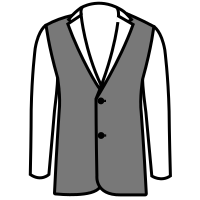
Select the jacket closure style—single breasted, double breasted, or button count. This impacts formality, structure, and fit appeal.
Lapel
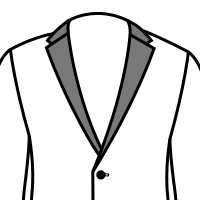
Customize the lapel shape—peak, notch, or shawl. Lapels define the jacket’s elegance and influence how formal or casual it appears.
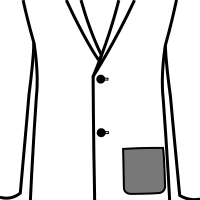
Choose your hip pocket style—flap, patch, or jetted. Pockets affect the jacket’s structure, finish, and usability.
Chest Pocket
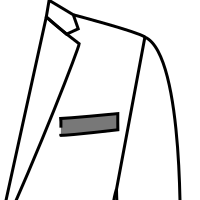
Add a classic left breast pocket or keep it minimal. Suitable for pocket squares and formal styling.
Sleeve Button
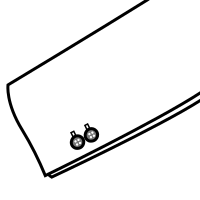
Select how many buttons appear on the cuff—functional or decorative (surgeon cuff). A premium feature for bespoke tailoring.
Elbow Patch
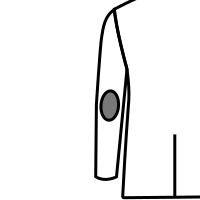
Add leather or fabric elbow patches—great for durability and a vintage or casual aesthetic.
Vent
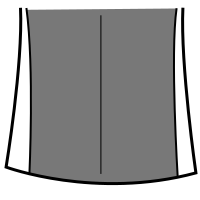
Choose a single vent, double vent, or no vent. Venting influences comfort, mobility, and fabric drape—especially while sitting.
Contrast
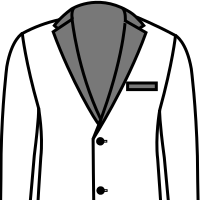
Add contrasting fabric to lapels, pockets, or elbow patches. A stylistic feature that enhances boldness and personalization.
Trouser Customization:
Fastening
Select how the trouser closes—zipper, button, hook, or extended tab. Impacts fit precision and waistband comfort.
Pleat & Pocket
Choose flat front, single pleat, or double pleat. Select slanted or straight pockets. Pleats help with room and comfort; flat front is modern and sleek.
Back Pocket
Choose single or double back pockets with button or without. They impact formality and storage convenience.
Cuff
Select cuffed or plain hem. Cuffs add weight and help trousers fall better, especially for dress shoes.
Loop
Pick belt loops, side adjusters, or suspenders buttons. Loops are versatile, adjusters look premium and eliminate belts.
3-piece Suit Customization Options
Jacket Customization:
Fabric
Choose the main cloth for your jacket. Fabric defines comfort, durability, drape, and overall look of the suit (e.g., wool, linen, blended fabrics).
Front Button
Select the jacket closure style—single breasted, double breasted, or button count. This impacts formality, structure, and fit appeal.
Lapel
Customize the lapel shape—peak, notch, or shawl. Lapels define the jacket’s elegance and influence how formal or casual it appears.
Choose your hip pocket style—flap, patch, or jetted. Pockets affect the jacket’s structure, finish, and usability.
Chest Pocket
Add a classic left breast pocket or keep it minimal. Suitable for pocket squares and formal styling.
Sleeve Button
Select how many buttons appear on the cuff—functional or decorative (surgeon cuff). A premium feature for bespoke tailoring.
Elbow Patch
Add leather or fabric elbow patches—great for durability and a vintage or casual aesthetic.
Vent
Choose a single vent, double vent, or no vent. Venting influences comfort, mobility, and fabric drape—especially while sitting.
Contrast
Add contrasting fabric to lapels, pockets, or elbow patches. A stylistic feature that enhances boldness and personalization.
Waistcoat Customization:
Front Button
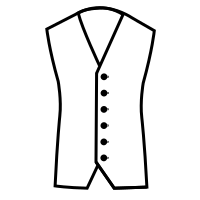
Choose the number of front buttons such as 3, 4 or 5 and customize their style and spacing.
Edge
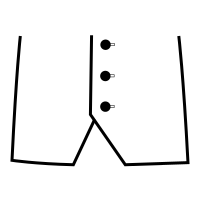
Select the edge finish — clean sharp cut or contrast piping around the borders.
Lapel
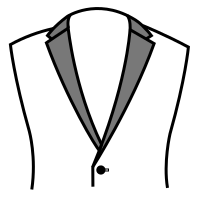
Choose from no lapel, shawl lapel or notch lapel waistcoat styles.
Chest Pocket
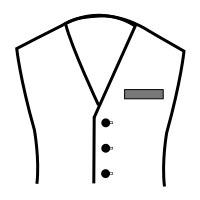
Add or remove a chest pocket and choose between straight or slanted pocket designs.
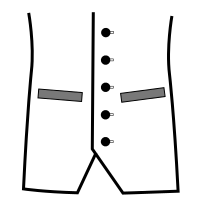
Configure the lower pockets — two welt pockets, flap pockets or no pockets.
Contrast
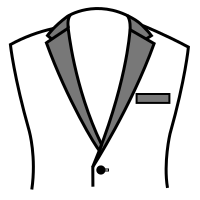
Apply contrast fabrics to lapels, edges or lining for a bold personalized finish.
Trouser Customization:
Fastening
Select how the trouser closes—zipper, button, hook, or extended tab. Impacts fit precision and waistband comfort.
Pleat & Pocket
Choose flat front, single pleat, or double pleat. Select slanted or straight pockets. Pleats help with room and comfort; flat front is modern and sleek.
Back Pocket
Choose single or double back pockets with button or without. They impact formality and storage convenience.
Cuff
Select cuffed or plain hem. Cuffs add weight and help trousers fall better, especially for dress shoes.
Loop
Pick belt loops, side adjusters, or suspenders buttons. Loops are versatile, adjusters look premium and eliminate belts.
Ready to Create Your Perfect Garment?
Discover a world of customization possibilities at Crown Tailoring.
Start Shopping